No paywalls on the basics

Split Expenses.
Settle Bills.
Stay Friends.

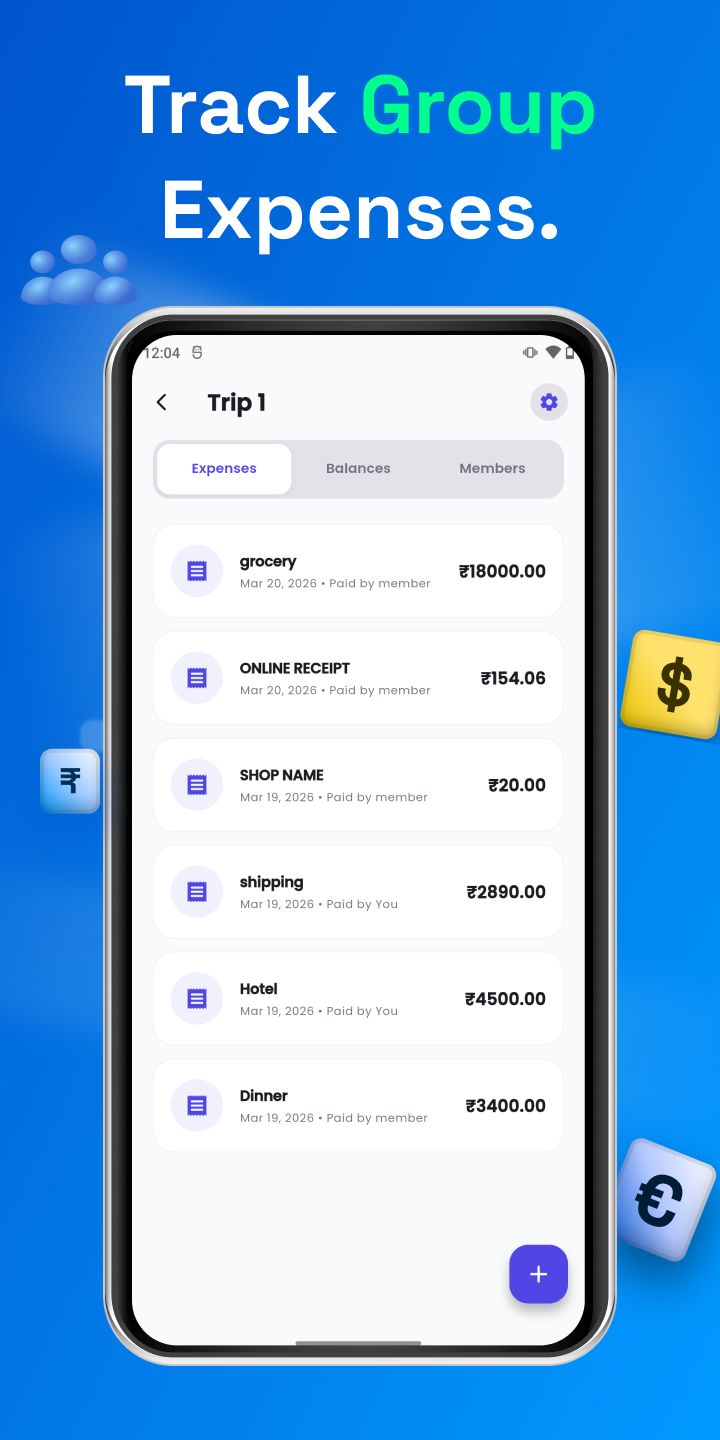
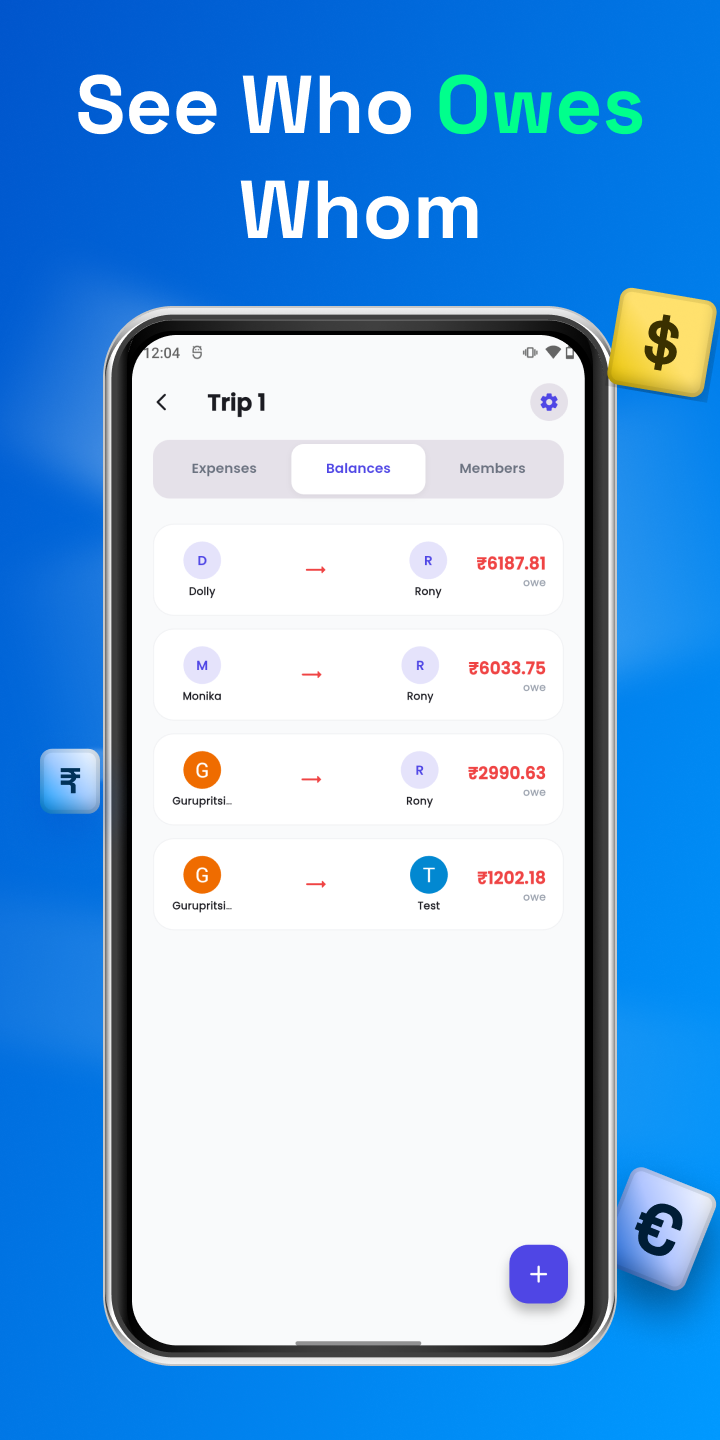
Xpensplit makes group spending fair and frictionless - track unlimited expenses, scan receipts with AI, and let smart debt simplification minimize who pays whom. Built for roommates, trips, and dining out.


  • Unlimited entries - no caps
  • 100+ currencies supported
  • Real-time sync across devices
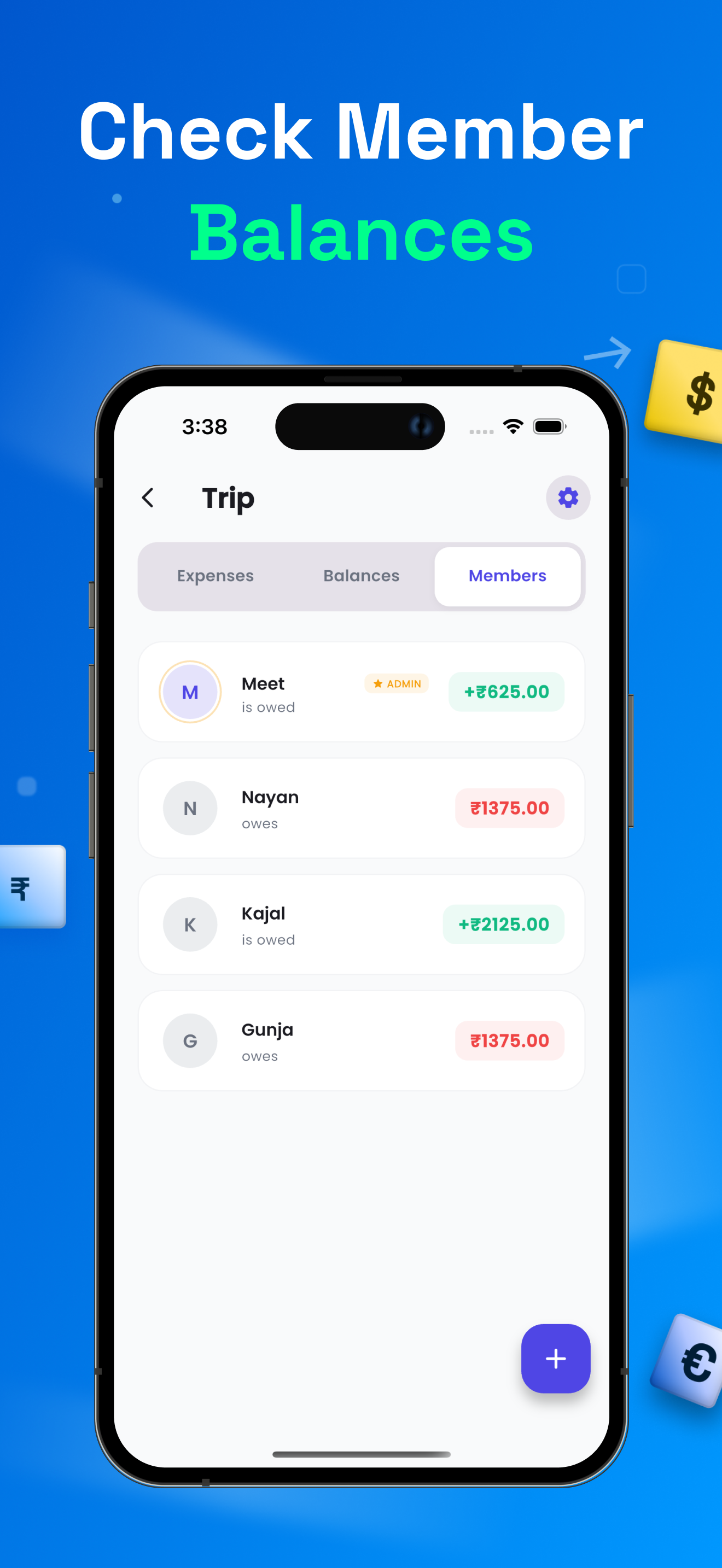
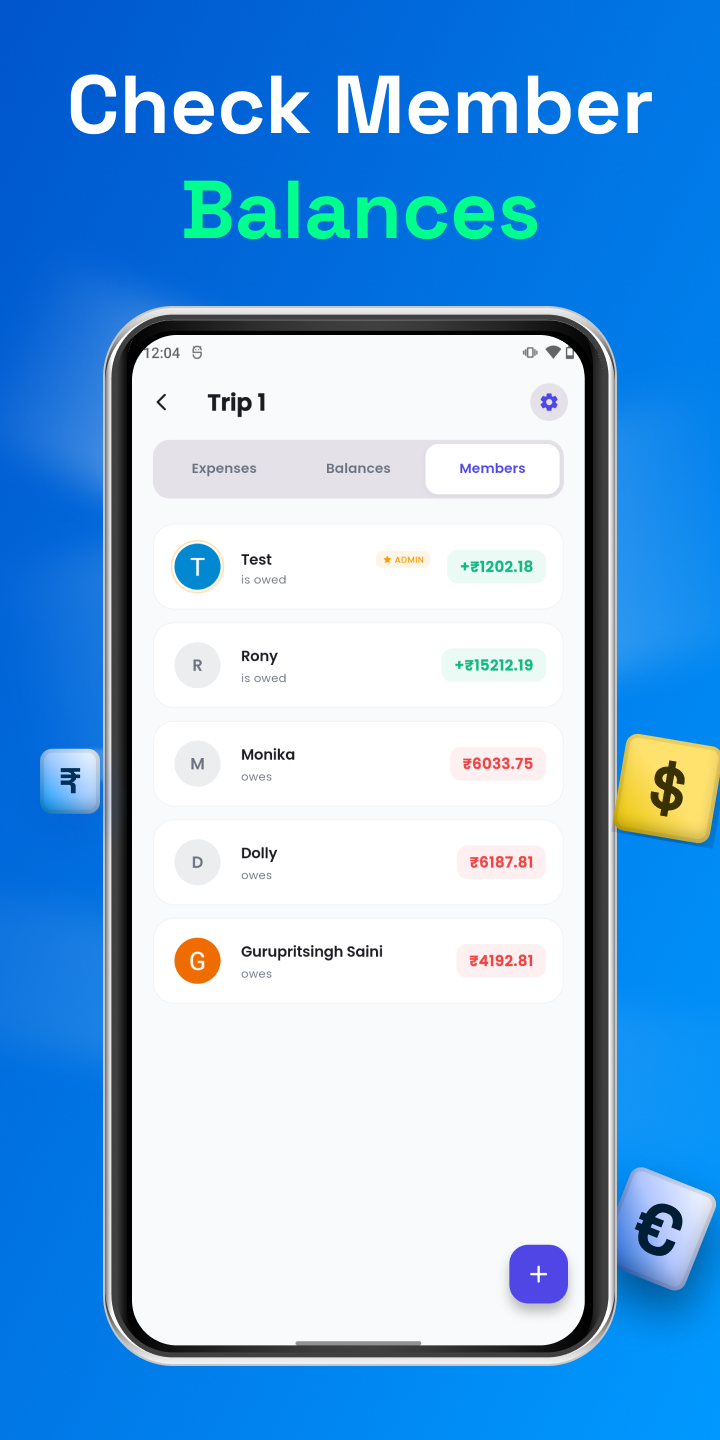
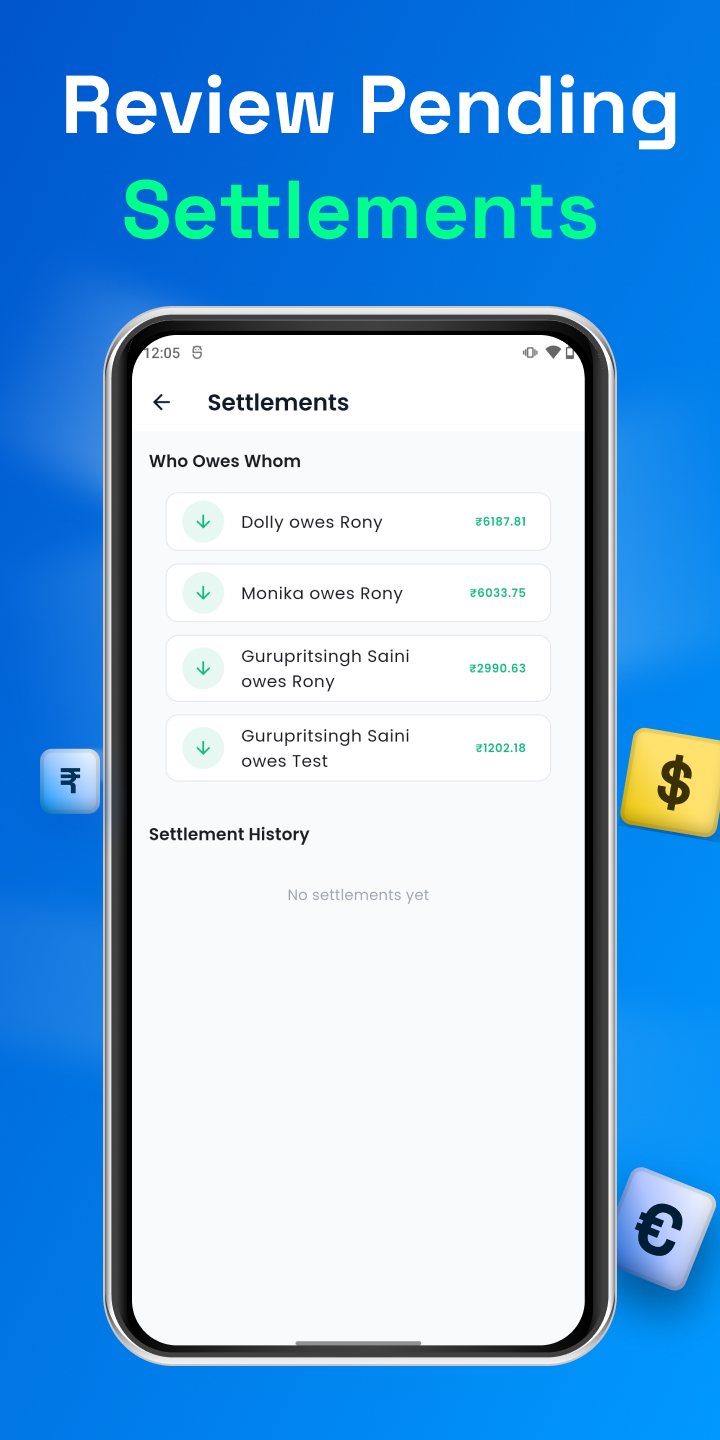
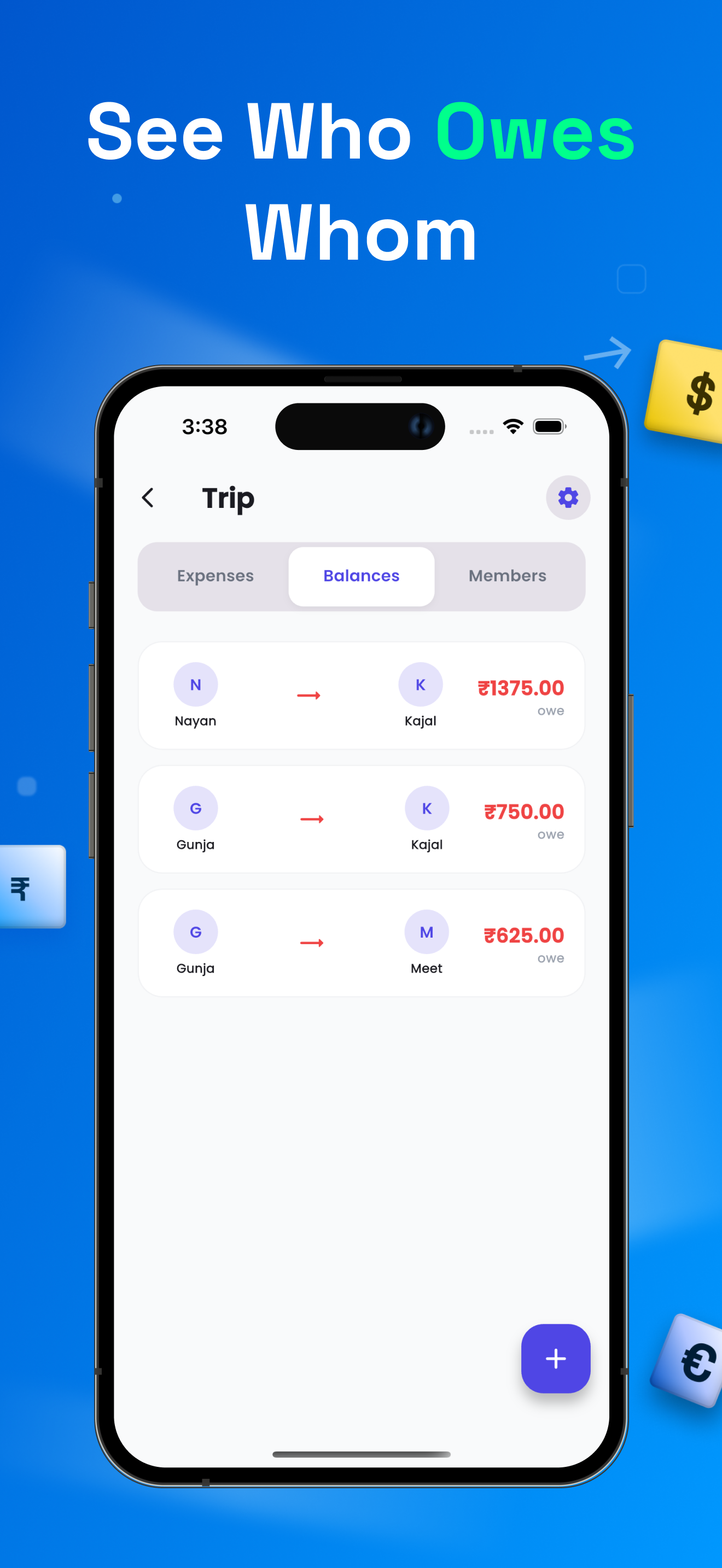
Xpensplit member balances screen
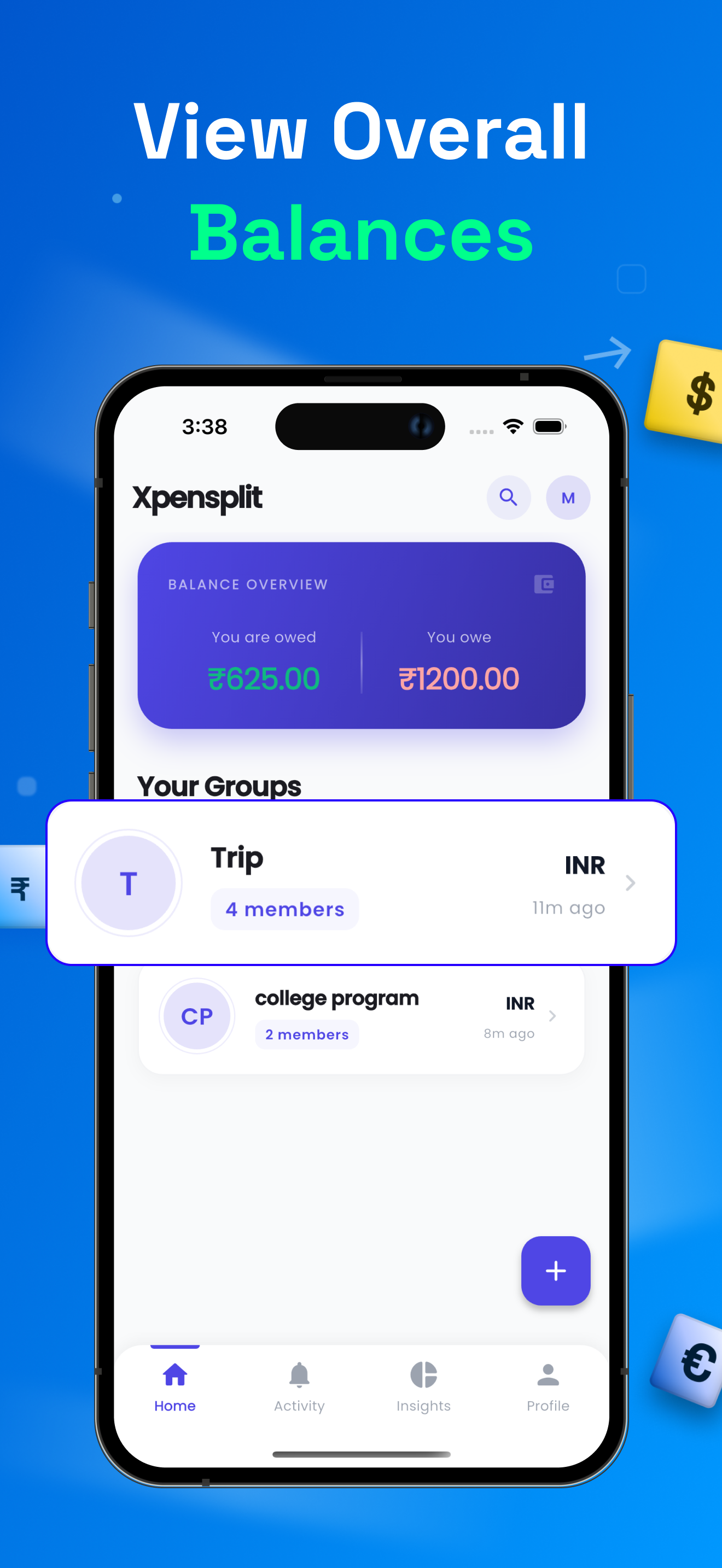
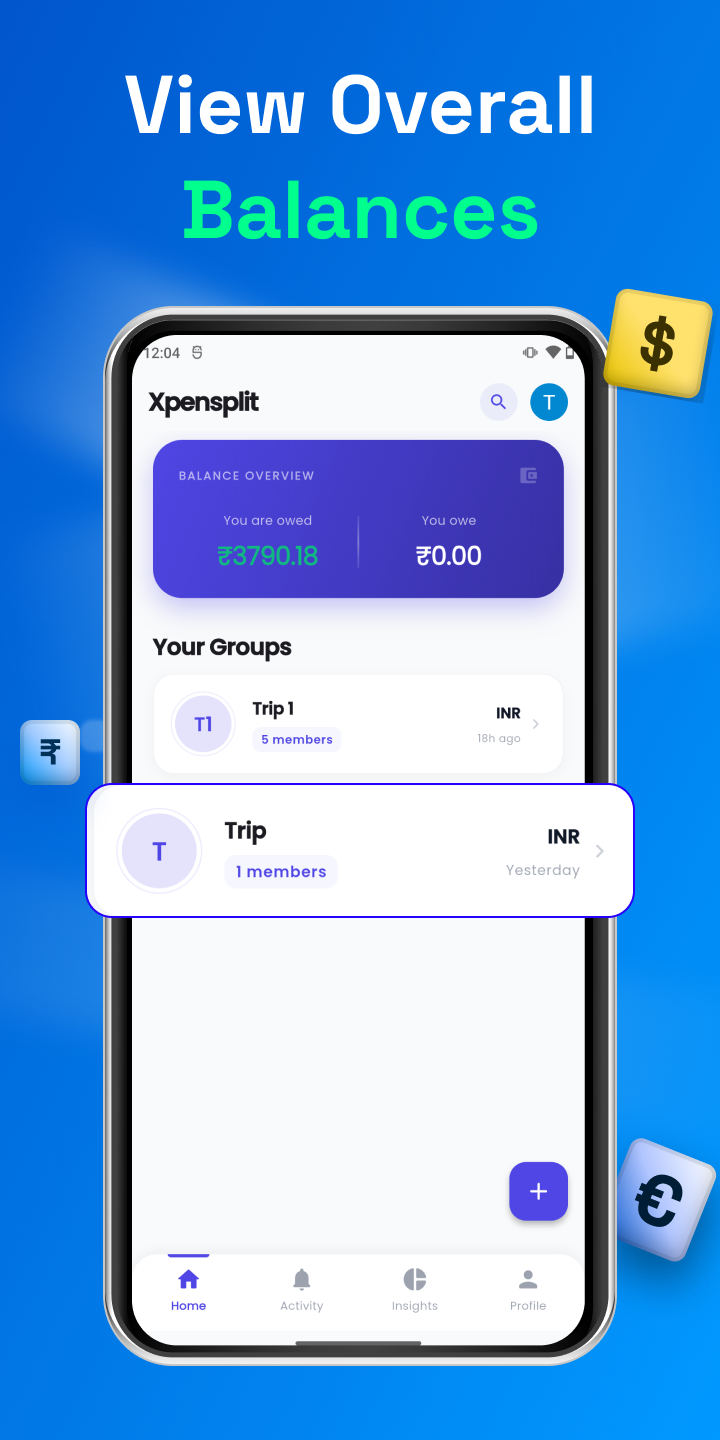
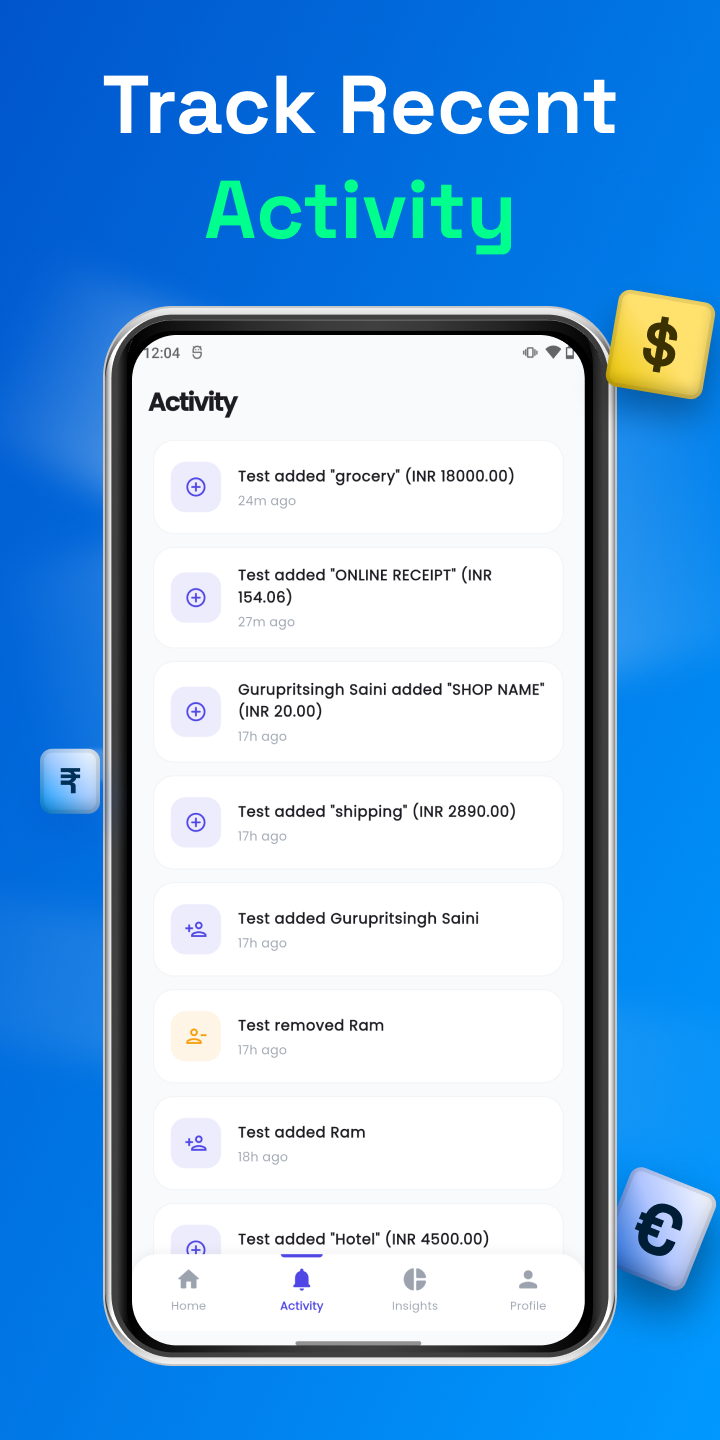
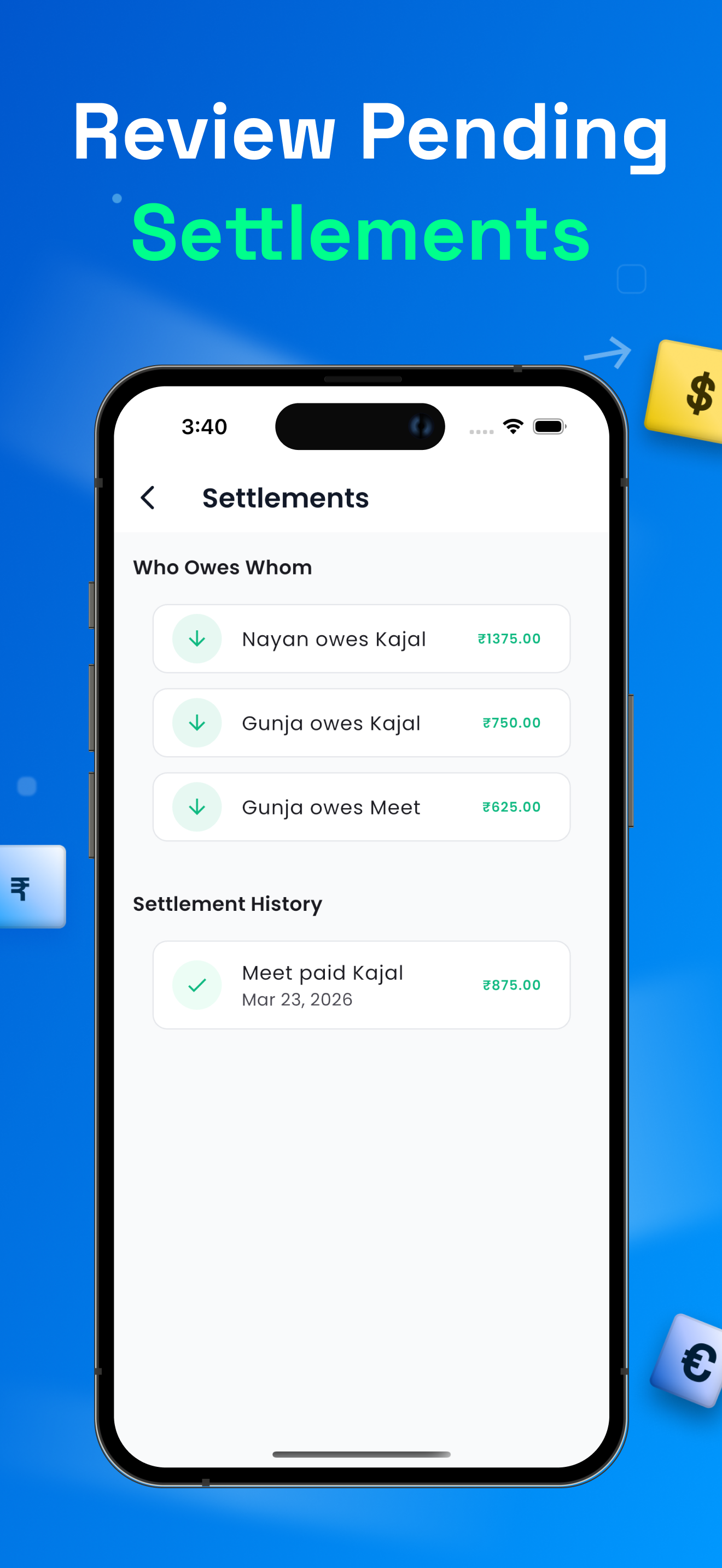
Xpensplit overall balance overview screen
₹625 owed
AI Scan
4 Members
By AppAspect Technologies
iOS 15.5+ & Android
100+ Currencies
Unlimited Free Tier
Why Xpensplit

Everything you need to split, track, and settle

The only expense splitter that gives you unlimited tracking on the free tier - with AI scanning and smart debt math built in.

Unlimited Tracking

No artificial caps. No timers. Add as many expenses, groups, and members as you need - completely free.

AI Receipt Scanning

Snap any bill - Xpensplit auto-extracts the merchant name and total so you never type expenses manually again.

Smart Debt Simplification

Our algorithm reduces who-pays-whom to the fewest transactions - settle up faster with less back-and-forth.

100+ Currencies

Real-time conversion across more than a hundred currencies - perfect for international trips and remote roommates.

Real-time Sync

Your data follows you across iPhone, iPad, and Android instantly - every member sees the same numbers, always.

Spending Analytics

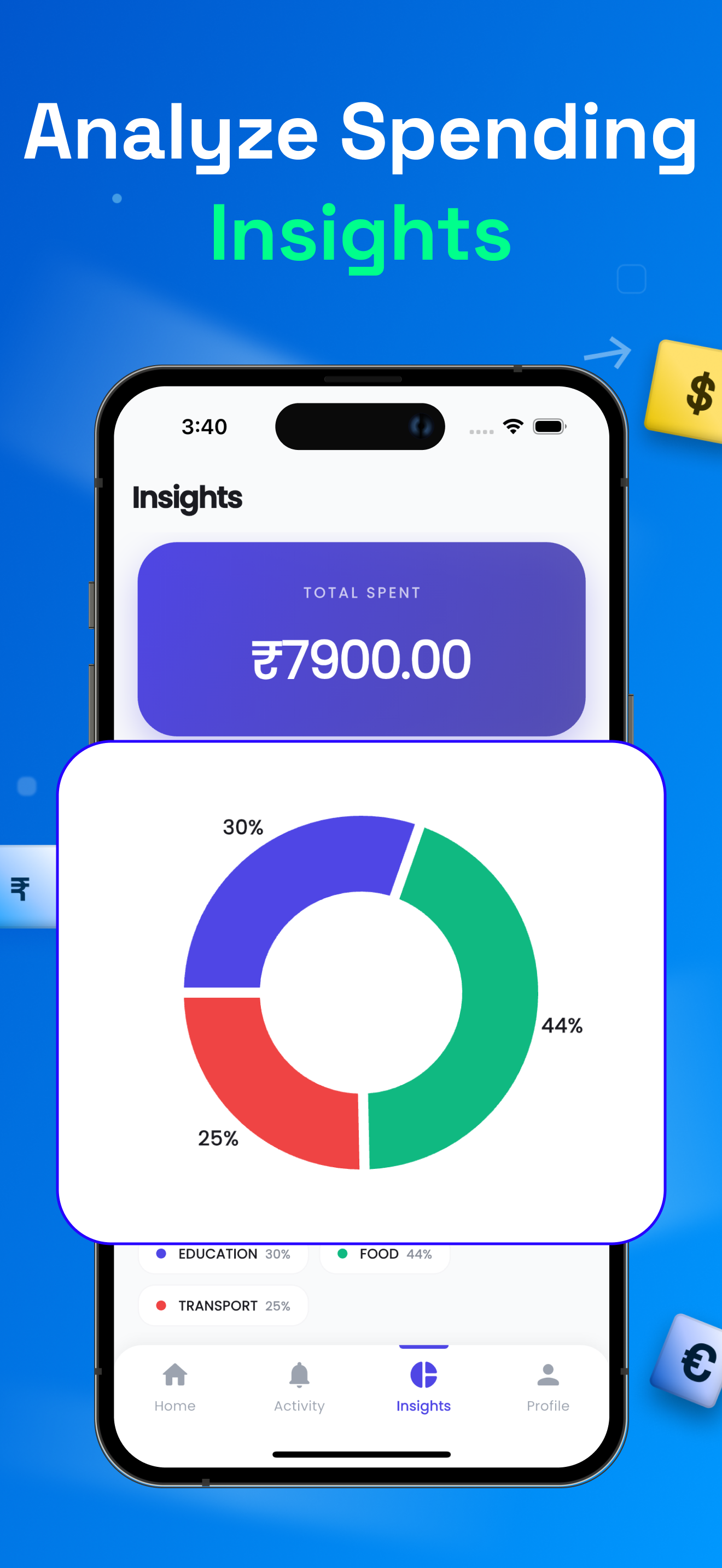
Category breakdowns, custom date ranges, and member-level insights - understand exactly where your money goes.

About Xpensplit

Built for the way real groups spend.

Whether you're splitting rent with roommates, planning a getaway with friends, or grabbing dinner with the team - Xpensplit keeps every expense transparent and every balance up to date. No more spreadsheets, awkward IOUs, or "I'll Venmo you later" pile-ups.

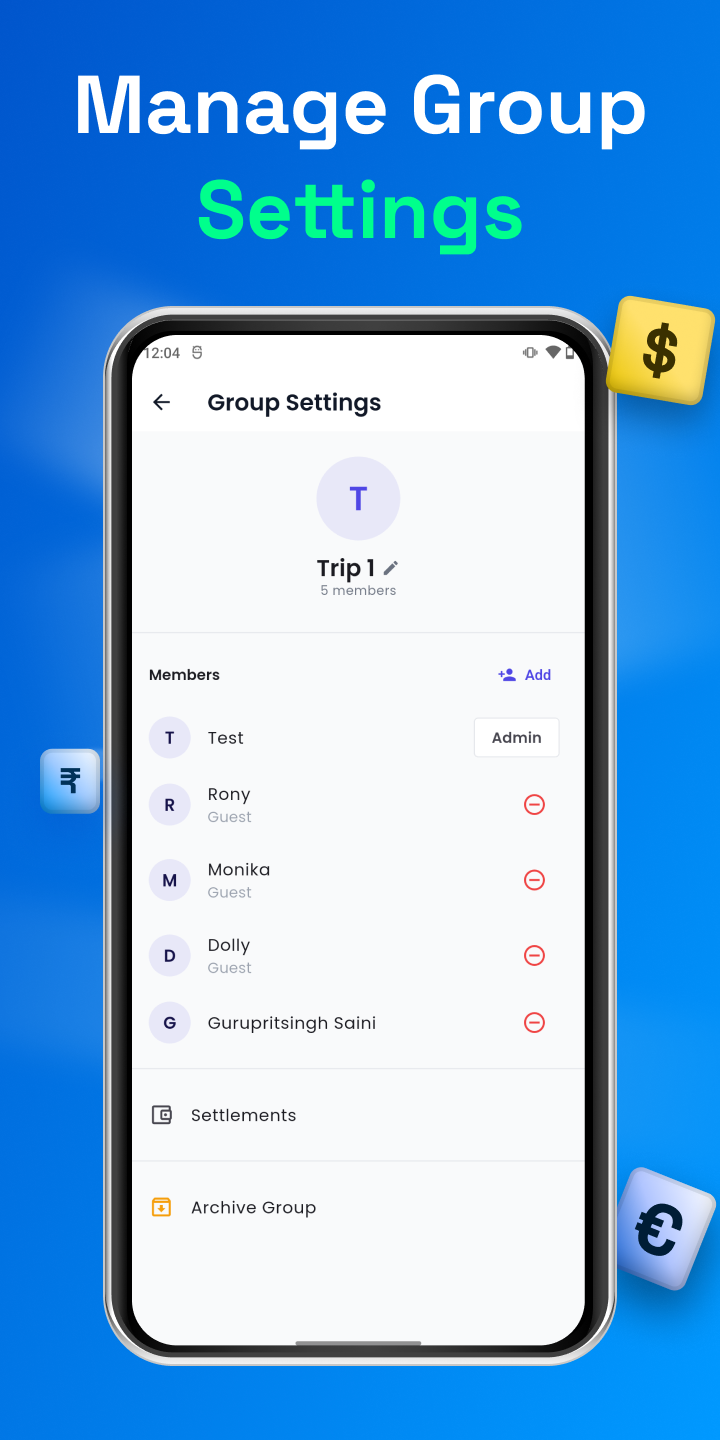
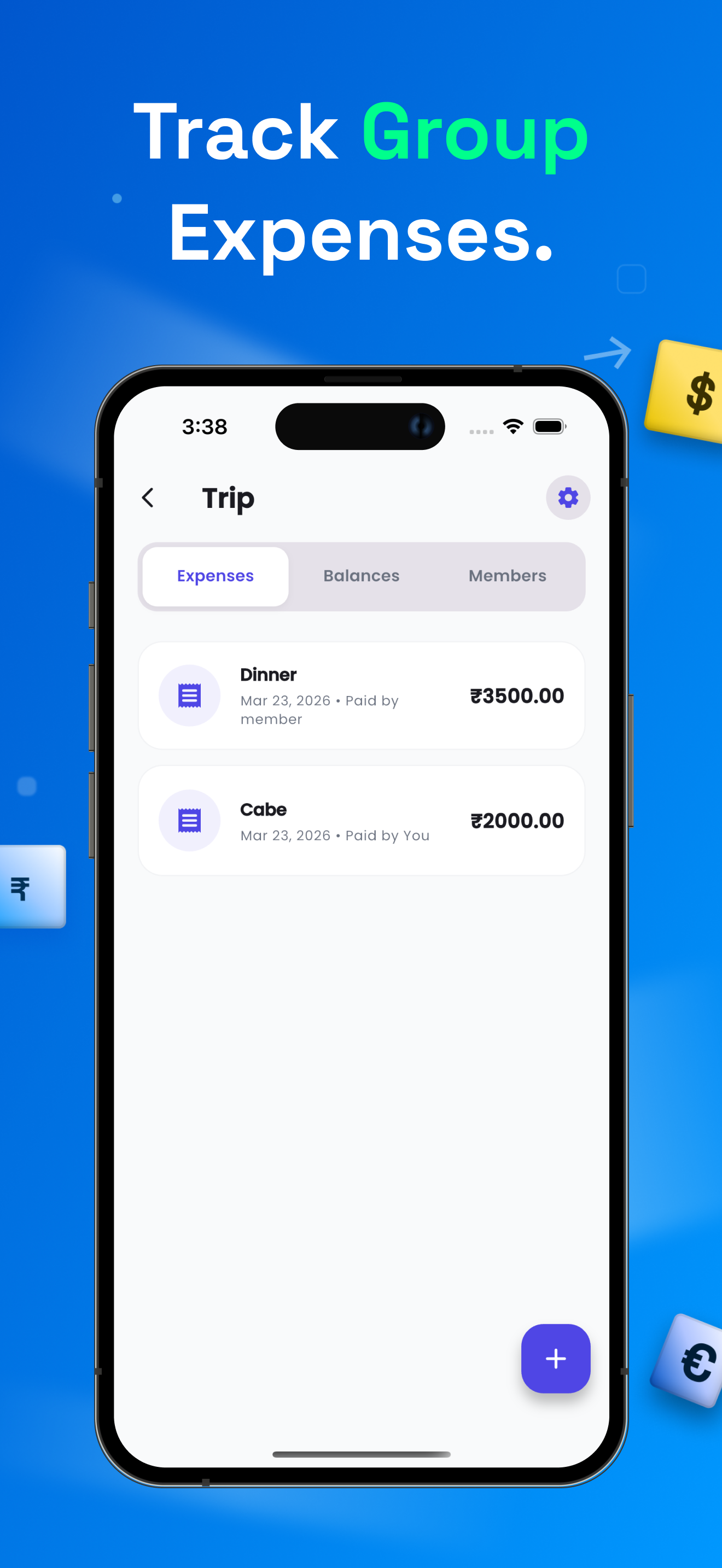
Add an expense in seconds, choose how to split it (equally, by percentage, by shares, or exact amounts), and let the app handle the math. Even friends without the app can be tracked using guest profiles.
4Split modes
100+Currencies
0Limits or caps
Xpensplit add expense screen
How it works

Designed for groups that hate awkward money talks

01

Choose your split - equally, by %, by shares, or exact

Not every bill is a 50/50. Whether someone ate more, contributed less, or chipped in extra for the Airbnb, Xpensplit gives you four flexible split modes so the math always reflects reality.
  • Equal split (default)
  • Percentage-based
  • Share-based (e.g., 2 shares vs 1)
  • Exact amounts per person
Xpensplit split modes
02

Track friends who aren't on the app - with Guest Profiles

Don't wait for everyone to sign up. Add guest members for friends and family who don't use Xpensplit yet. They count in every split, every balance, and every settlement - no account required.
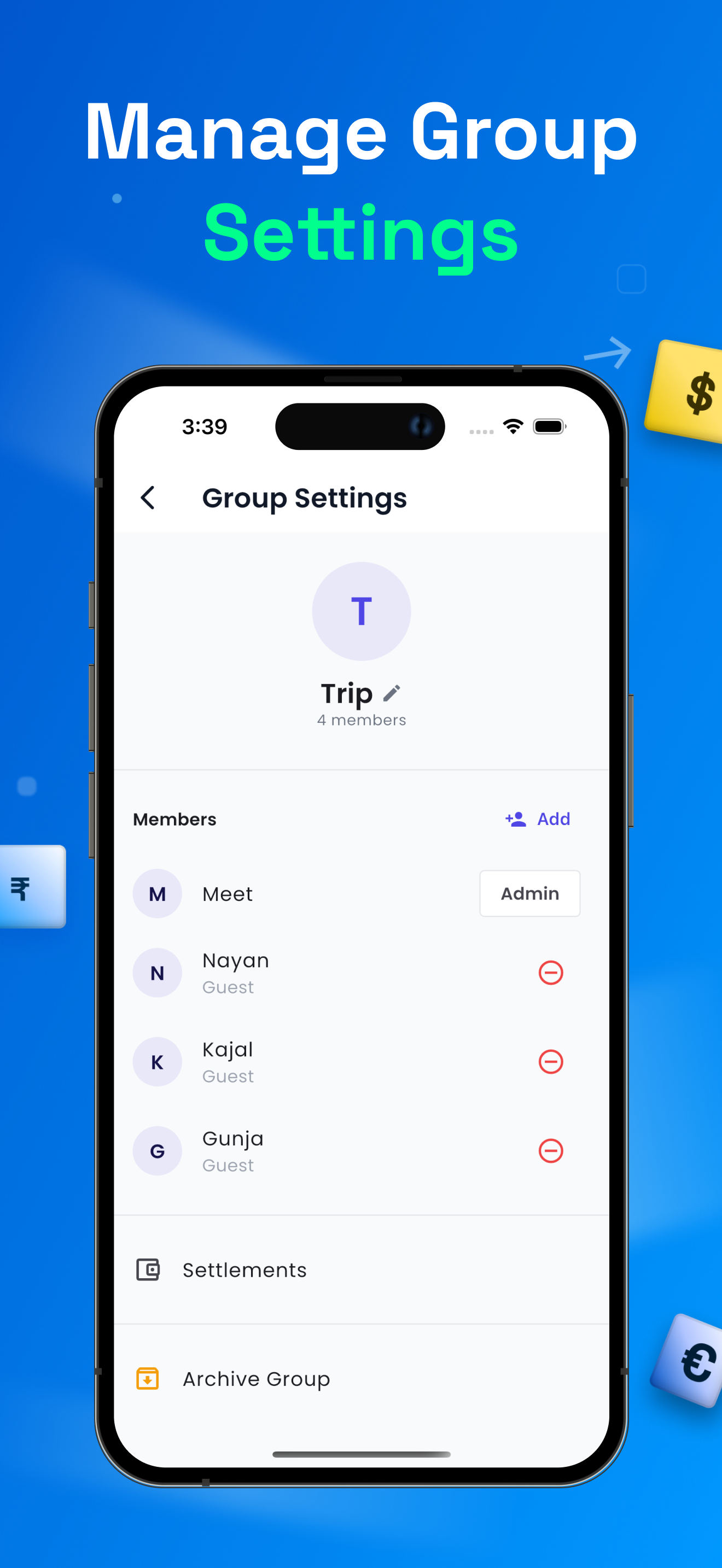
  • Add unlimited guests
  • Track their balance like any member
  • Convert to real users when they join
Xpensplit guest profiles
03

See exactly where the money goes

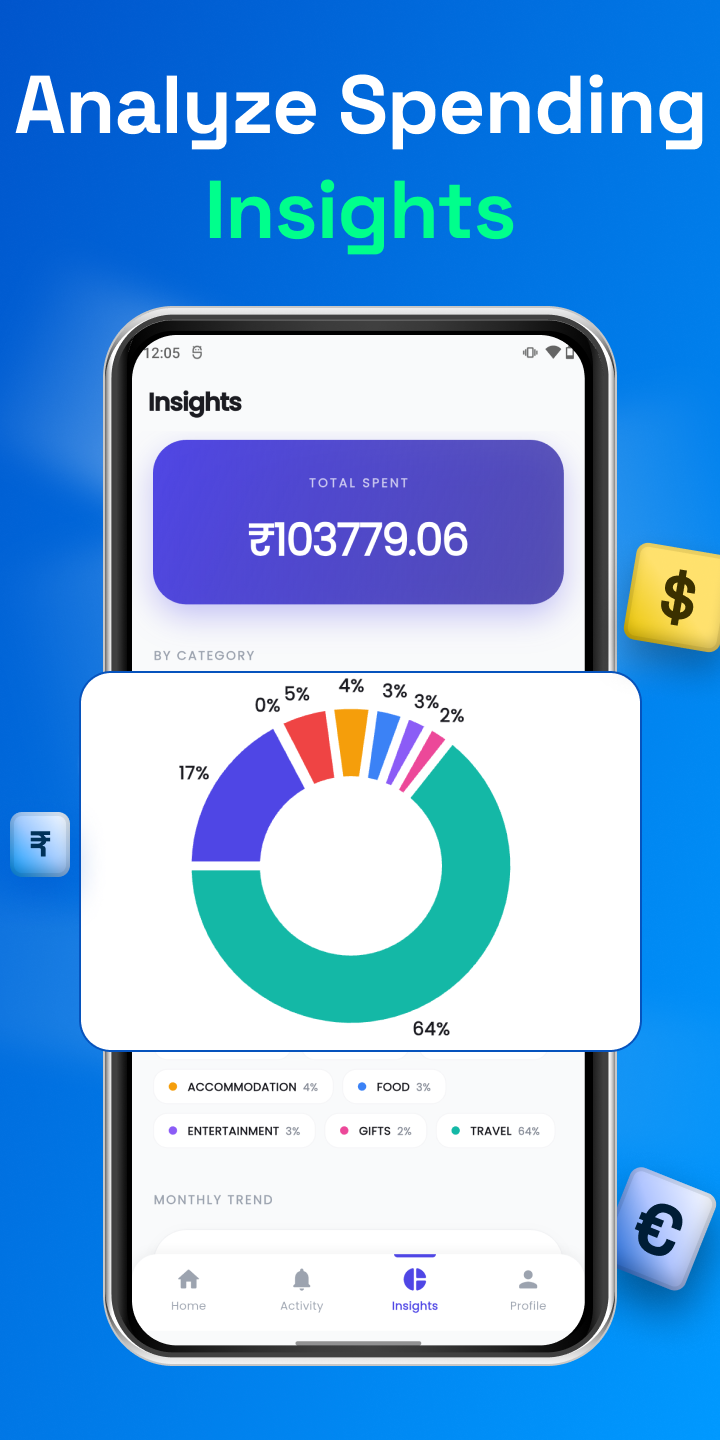
Category breakdowns, member-level spending patterns, and custom date ranges turn your group's expenses into clear, useful insight. Generate PDF reports for trips or month-end roommate reconciliations.
  • Category-wise charts
  • Per-member breakdowns
  • PDF exports (Pro)
Xpensplit analytics
04

Recurring expenses on autopilot

Rent, utilities, subscriptions - set a recurring expense once and let Xpensplit add it automatically every cycle. Stay on top of monthly obligations without lifting a finger.
  • Daily, weekly, monthly cycles
  • Auto-split with the same group
  • Edit or pause anytime
Xpensplit recurring expenses

Ready to settle up?

Download Xpensplit and turn shared spending into something you actually look forward to managing.

FAQ

Frequently asked questions

Is Xpensplit really free?
Yes. Core expense tracking - unlimited groups, members, expenses, splits, receipt scanning, and multi-currency conversion - is free with no caps or timers. Pro unlocks an ad-free experience, advanced analytics, custom date ranges, and PDF reports.
Do I need an account to use the app?
You can start tracking immediately. An account is needed to sync across devices and collaborate with other members in real time.
How does AI receipt scanning work?
Snap a photo of a bill and Xpensplit automatically detects the merchant name and total amount, pre-filling them into a new expense - you only confirm and split.
What currencies does the app support?
More than 100 currencies, with real-time conversion available on the Pro tier. Perfect for international trips, expat roommates, and travel groups.
Can I track friends who aren't using Xpensplit?
Absolutely. Use Guest Profiles to include people who don't have the app yet. Their balances behave exactly like any other member, and you can convert them to full users whenever they sign up.
How do I cancel a Pro subscription?
Subscriptions are managed by Apple or Google directly. Cancel anytime through your App Store / Google Play account settings - your Pro features remain active until the end of the current billing period.
Get in touch

Questions, feedback, or partnerships?

We'd love to hear from you. Send us a message and our team at AppAspect Technologies will get back to you as soon as possible.

  • Support email [email protected]
  • AppAspect Technologies Pvt. Ltd. Developer of Xpensplit